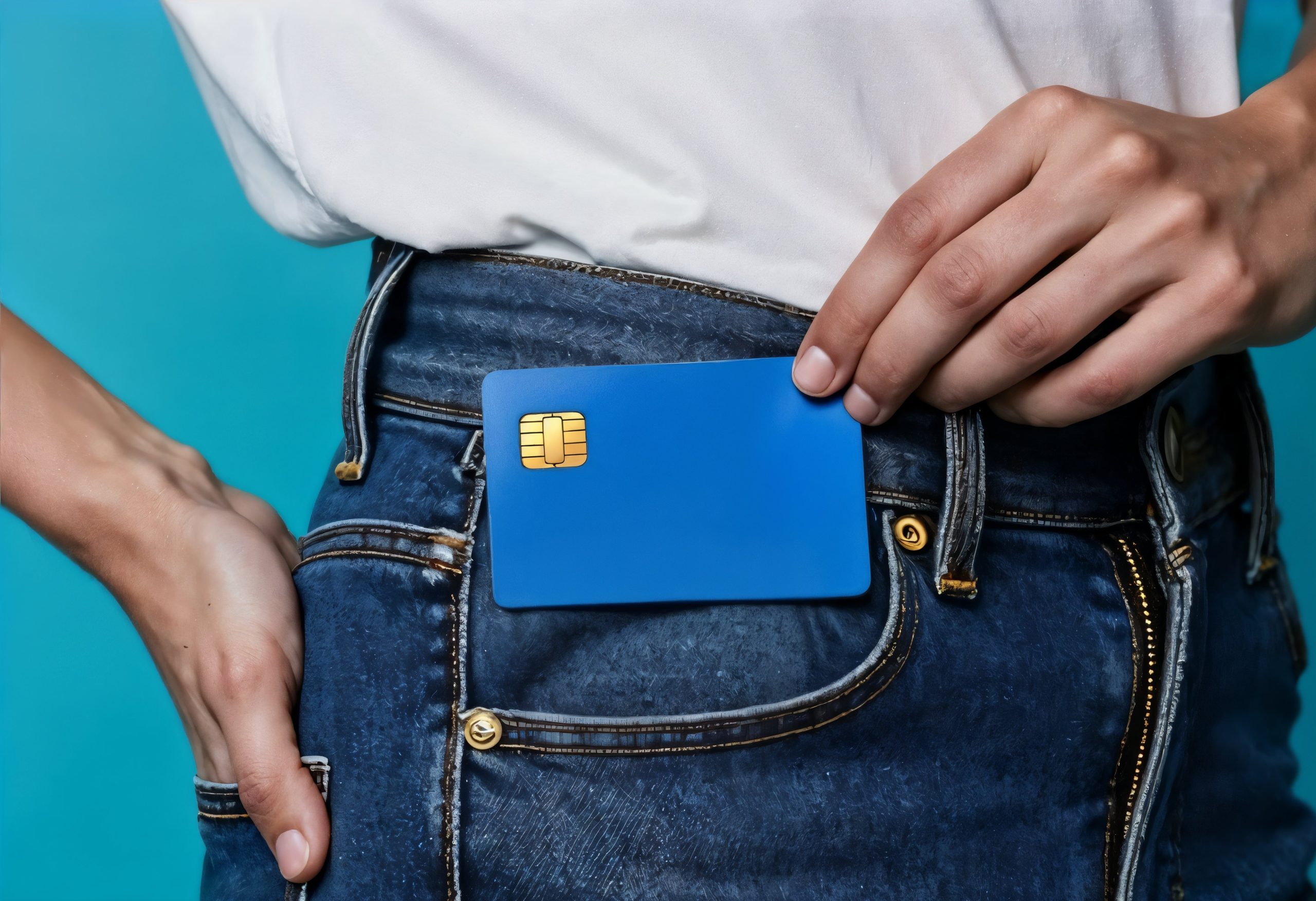
How to Apply for the BMO Prepaid Mastercard
The BMO Prepaid Mastercard is a reloadable prepaid card designed for people who want spending control, easy approval, and a safer alternative to traditional credit cards. Because it does not require a credit check or a bank account, it is widely used by students, young adults, parents managing allowances, and individuals who prefer to avoid debt.
Below you will find who this card is recommended for, how the application process works step by step, how to cancel the card if needed, and important considerations before applying.
Who This Card Is Recommended For
The BMO Prepaid Mastercard is a good option for:
- People who want strict spending control and to avoid debt.
- Individuals who do not have an established credit history or who have difficulty being approved for traditional credit cards.
- Parents who want to provide controlled allowances and monitor teen spending.
- Students and young adults who are starting to manage their finances.
- Consumers who prefer a safer option for online purchases.
- Users who need a widely accepted prepaid card for short trips or occasional travel.
However, it is not ideal for people who want to earn rewards, cashback, or build a credit score, since card activity is not reported to credit bureaus.
Discover the PC Financial Mastercard
Earn PC Optimum™ points on everyday purchases like groceries and fuel. Apply for the PC Financial Mastercard and start earning rewards wherever you shop.
APPLY NOW * You will remain on the current websiteHow to Apply for the BMO Prepaid Mastercard (Step by Step)
The application process is simple and can be completed online or in person. Follow the steps below:
1. Visit the official BMO website or go to a branch
You can apply:
- Through the official Bank of Montreal (BMO) website in the prepaid card section, or
- By visiting a physical BMO branch in Canada.
On the website, look for “BMO Prepaid Mastercard” and start your application.
2. Choose your registration option
During the process, you can:
- Create a new BMO online profile, or
- Log in if you are already a BMO customer.
Having a BMO bank account is not required, but it makes reloading and managing the card easier through the mobile app.
3. Fill in your personal information
You will be asked to provide:
- Full name
- Canadian address
- Date of birth
- Valid identification
- Contact information (email and phone number)
Since this is a prepaid product, no credit check is performed.
4. Review and accept the terms and conditions
Carefully check:
- Reload fees
- ATM withdrawal fees
- Balance and transaction limits
- International usage rules
Then confirm your application.
5. Wait for the card to be delivered
After approval, which is usually quick, the physical card will be mailed to your address. Delivery typically takes between 7 and 14 business days.
6. Activate your card
Once the card arrives:
- Log in to the BMO website or mobile app
- Select the option to activate your card
- Set or confirm your PIN
7. Add funds to your card
Before using the card, you must load money onto it. You can reload:
- Through the BMO mobile app
- Using online banking
- At a BMO branch
- Through Canada Post
The amount you load becomes your available spending balance.
8. Start using your card
After reloading, the card can be used:
- In physical stores
- For online shopping
- In apps and subscriptions
- While traveling internationally wherever Mastercard is accepted
How to Cancel the BMO Prepaid Mastercard
If you decide to stop using the card, cancellation is straightforward:
- Contact BMO customer service or log in to your online banking account.
- Request closure of your prepaid card account.
- Spend or withdraw any remaining balance before closing.
- Confirm the account has been fully closed.
After cancellation, the card will be permanently deactivated.
Important Things to Know Before Applying
- The card does not help build credit history.
- Reload and ATM fees may apply, depending on how you add or withdraw funds.
- There are no rewards, points, or cashback programs.
- The card does not include premium benefits such as travel insurance or extended warranties.
FAQ – Frequently Asked Questions
Does the card require proof of income?
No. Income verification is not required, and there is no credit check.
Can I use the card outside Canada?
Yes. It works anywhere Mastercard is accepted worldwide.
Are there minimum and maximum reload limits?
Yes. The bank sets minimum and maximum reload amounts, which may vary.
Can I have more than one card?
Usually only one card per person is allowed, but this depends on BMO’s current policy.
Does the card expire?
Yes. Like any Mastercard, it has an expiration date and can be replaced when it expires.
Conclusion
The BMO Prepaid Mastercard is a practical solution for people who prioritize simplicity, safety, and spending control. The application process is easy, fast, and accessible, making it suitable for beginners in the financial system, students, and families.
That said, it should be viewed as a complementary financial tool rather than a complete replacement for a traditional credit card, especially for users who want to build credit or earn rewards.
You will be redirected to the bank’s website